Turn a long video into clips.
Exact cuts, framing that follows the speakers, and every ratio composed from the source.
Ready for YouTube Shorts, Instagram Reels, TikTok and LinkedIn.
How it works
One link in. Clips out.
01Paste a link.
YouTube, TikTok, Instagram or Drive. Or upload up to 5 GB.
02Cutaway finds the moments.
Each clip arrives with the reason it was chosen and its exact source times.
03It frames each shot.
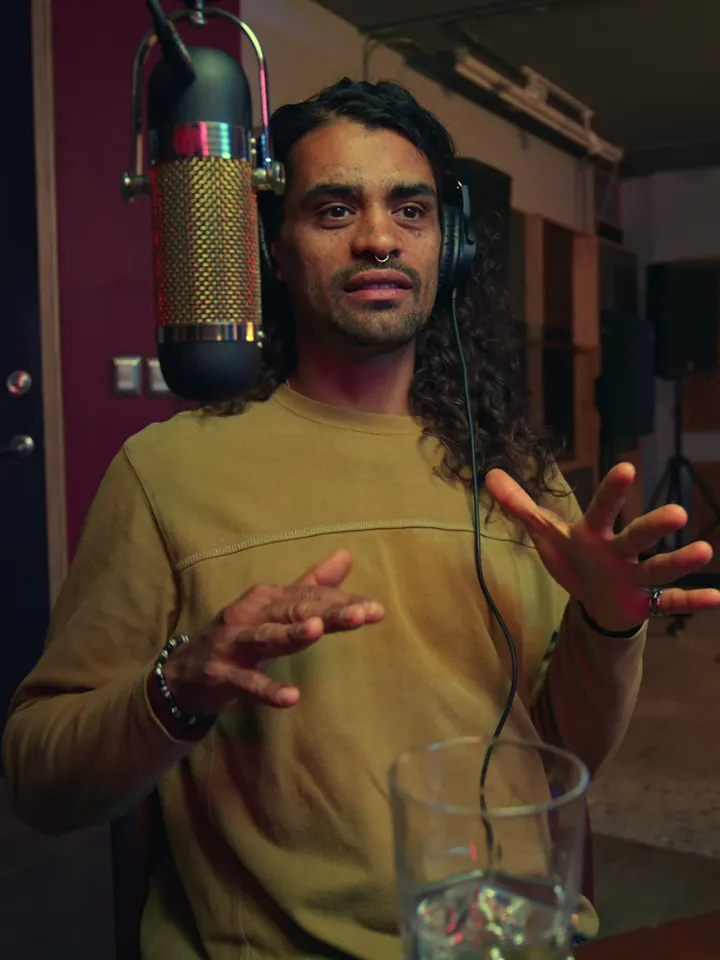
It follows whoever is speaking. Turn on Split screen to stack two speakers. Never one face twice.
04Pick your ratio.
9:16, 1:1, 4:5, 3:4 or 16:9, composed from the source.
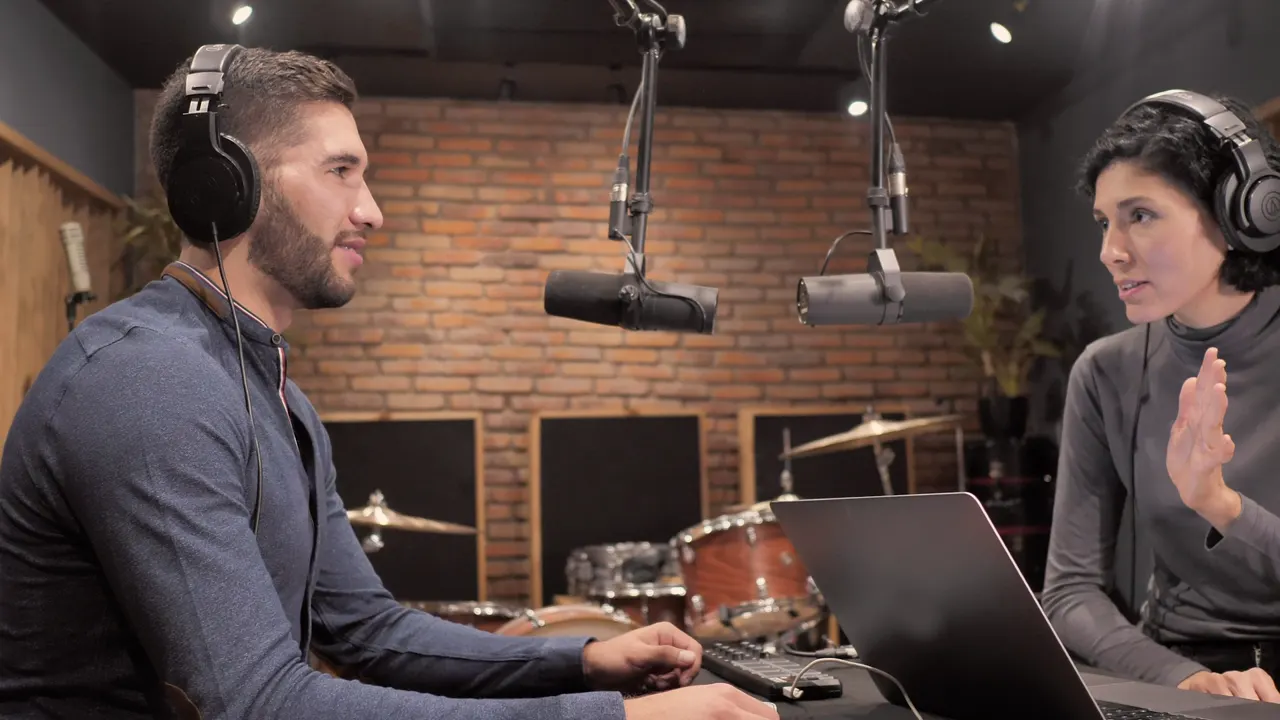
Founders podcast, episode 12
48:53 · 1920×1080
- Paste a link.
- Cutaway finds the moments.
- It frames each shot.
- Pick your ratio.
01Paste a link.
YouTube, TikTok, Instagram or Drive. Or upload up to 5 GB.
Details
The parts that make a clip usable.
Captions that keep your words.
Word-timed, in your language. Tidied without paraphrasing: names, numbers and negation are kept.
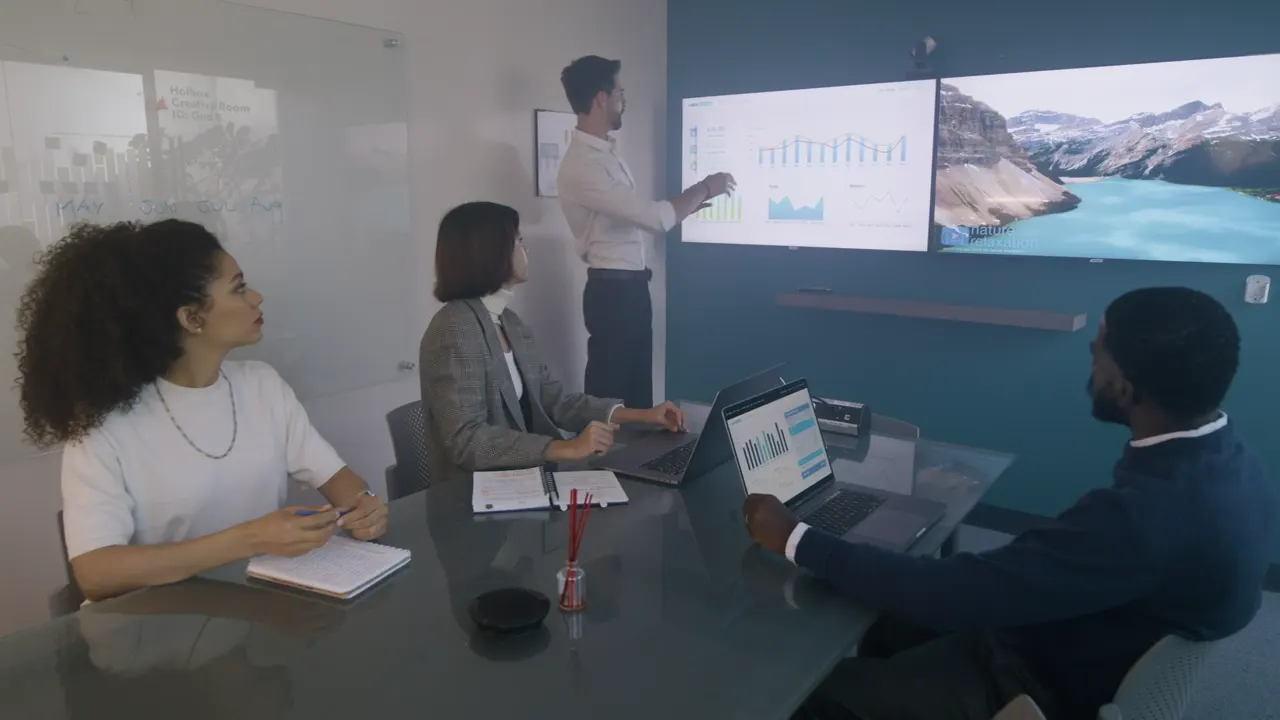
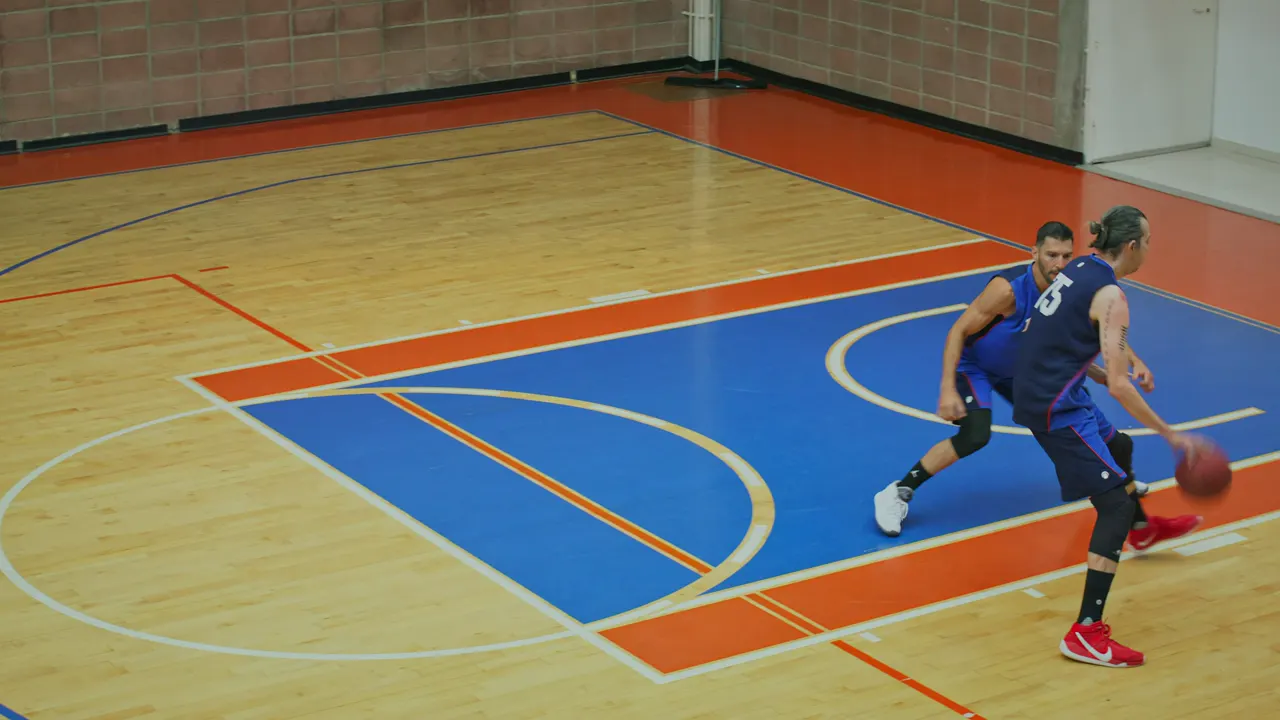
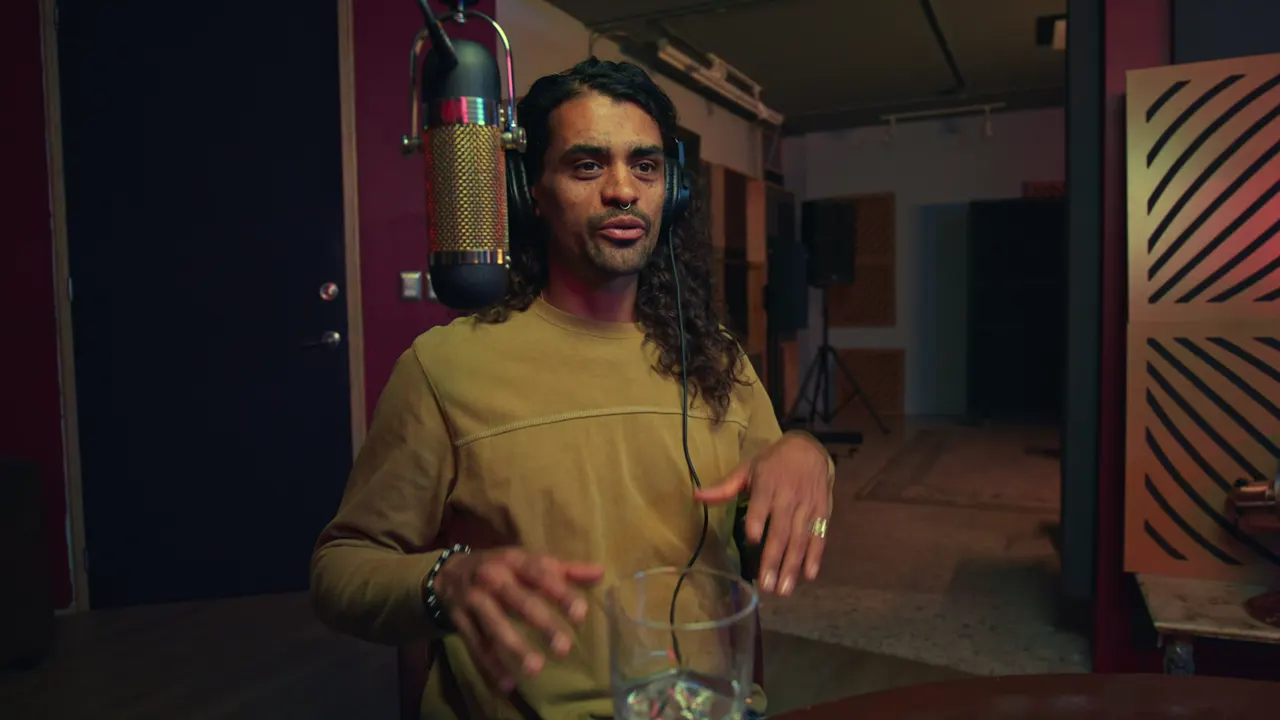
It reads the shot.
Screen and presenter, play and context, one speaker or two. Each gets its own layout.
Fix framing for any stretch.
Pick a section, drag over who should be in view. Captions and trims stay as they are.
 The counter-example00:14:02Ready
 Pricing the hard way00:52:40Needs review00:18
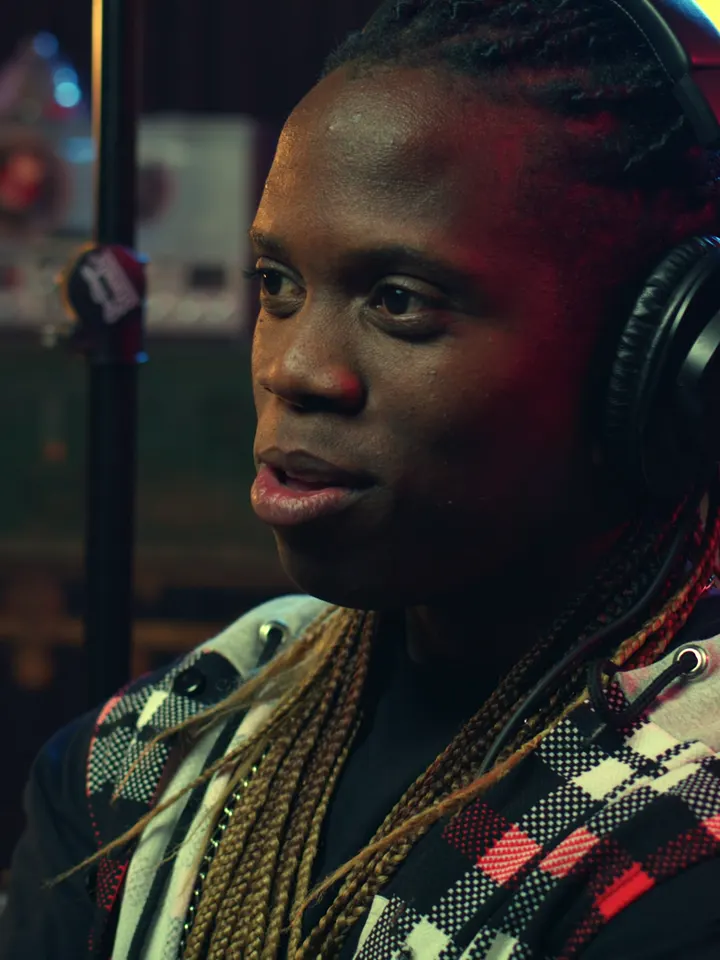 What we got right01:03:48Rendering3 of 5
Clips arrive as they finish.
The first clip is ready to watch while the rest are still rendering.
Languages
Is your language supported?
44 languages, including South Asian scripts and mixed-language speech. Captions keep each word in its own script.
Search 44 languages by name, in English or in the language itself.
- Nepaliनेपाली
- Arabicالعربية
- Assameseঅসমীয়া
- Bengaliবাংলা
- Bulgarianбългарски
- CatalanCatalà
- Chinese (Simplified)简体中文
- CzechČeština
- DanishDansk
- DutchNederlands
- English
- EstonianEesti
- FinnishSuomi
- FrenchFrançais
- GermanDeutsch
- GreekΕλληνικά
- Gujaratiગુજરાતી
- Hindiहिन्दी
- HungarianMagyar
- IndonesianBahasa Indonesia
- ItalianItaliano
- Japanese日本語
- Kannadaಕನ್ನಡ
- Korean한국어
- LithuanianLietuvių
- Malayalamമലയാളം
- Marathiमराठी
- Norwegian BokmålNorsk bokmål
- Odiaଓଡ଼ିଆ
- PolishPolski
- PortuguesePortuguês
- Punjabiਪੰਜਾਬੀ
- RomanianRomână
- RussianРусский
- SlovakSlovenčina
- SlovenianSlovenščina
- SpanishEspañol
- SwedishSvenska
- Tamilதமிழ்
- Teluguతెలుగు
- Thaiไทย
- TurkishTürkçe
- UkrainianУкраїнська
- VietnameseTiếng Việt
Pricing
Pay for the minutes you analyse.
One credit is one minute of video analysed, however many clips it gives you. Pay for 3, 6 or 12 months at once and save 10%, 20% or 30%.
FAQ
Questions, answered plainly.
How many clips do I get?
The number you ask for, as long as the video is long enough to hold that many without repeating a moment. Choose Auto and it picks as many strong moments as the video has.
Can I paste a YouTube link?
Yes. Paste the link and it fetches the video for you. When YouTube has replay data for the video, the moments viewers rewatched most help decide which clips come first.
Does it lower my video quality?
No. Clips render at up to 1080p and are never upscaled, encoded close to the original, with no quality setting to pick.
How does it frame people?
It follows the person speaking and keeps them close in the frame. With Split screen turned on, two people in one shot can be stacked, one above the other. You can change the framing for any part of a clip.
Are captions added?
Only if you turn them on. Captions are word-timed in your language. The transcript is tidied conservatively, with no paraphrasing, and names, numbers and negation are kept.
If I choose the moments myself, are the cuts exact?
Yes. Manual ranges are cut exactly where you set them. Boundary assistance is opt-in and shows you the difference before it applies.
Which ratios can I choose?
9:16, 16:9, 1:1, 3:4 and 4:5. You pick one per project, and it is composed from the source, with its own caption layout.
What am I charged for?
One credit covers one minute of the video analysed, charged once. Re-renders, trims and caption edits cost nothing more. Each project renders in one ratio. You see the credits needed before anything runs, and a project that fails gives its credits back.
Is there a free plan?
Yes. The free plan includes 20 credits every month, enough for 20 minutes of video.
Start with the video you already have.
Paste a link, or open a sample project to try the editor.